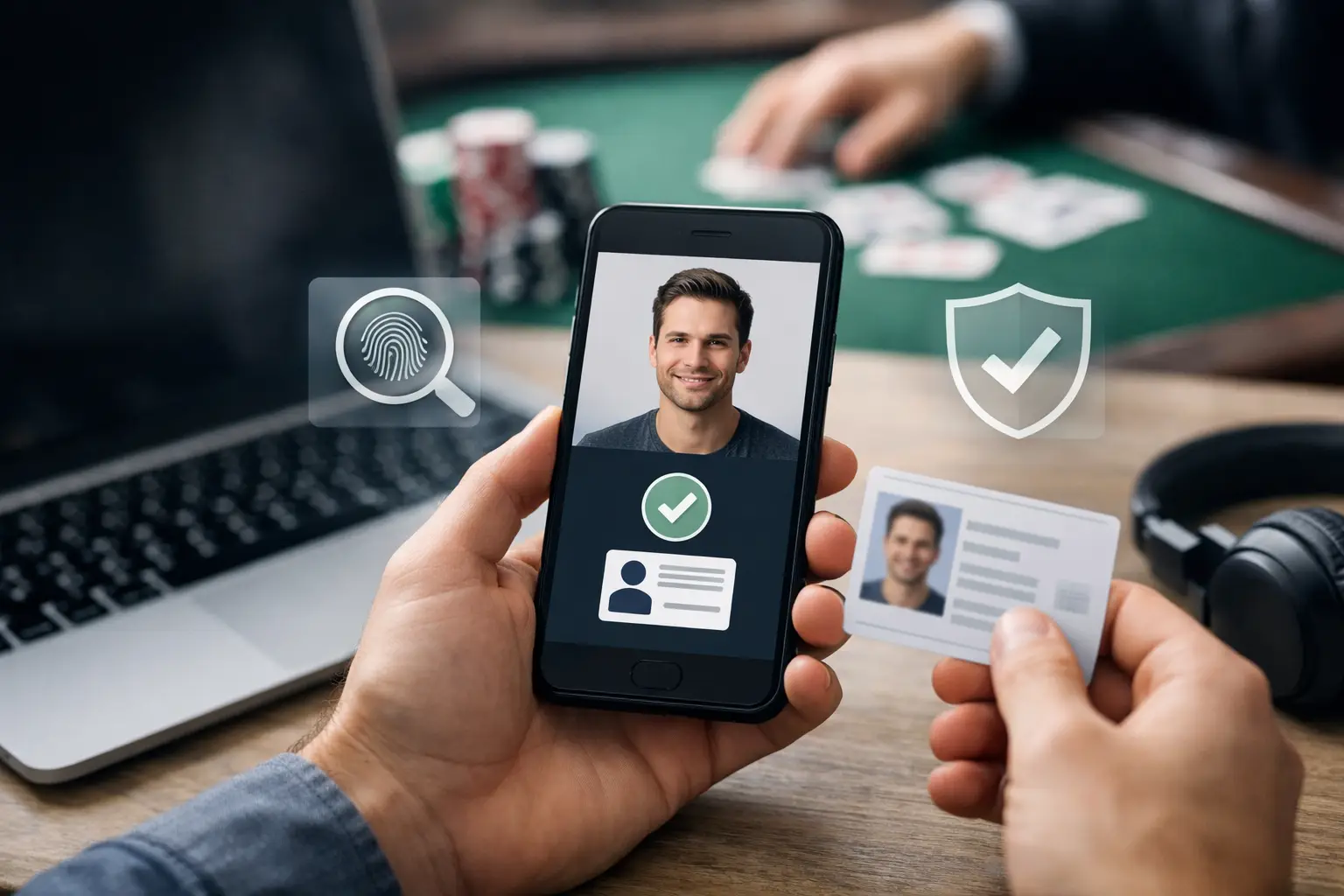
Your account should be ready when you are. Player account verification steps help confirm that the person managing an account is eligible to use the platform, access coin balances, and request eligible SC redemptions. They also help protect your account from unauthorized activity, duplicate profiles, and payment issues that can interrupt gameplay.
Verification is a normal part of a managed social gaming platform. It is not designed to slow down the fun. It is designed to keep wallet activity, promotions, account tools, and redemption options connected to the right player. A few accurate details at the start can prevent much bigger delays later.
Why account verification supports a better player experience
A verified account gives the platform a clearer view of who is using it and whether that use follows eligibility requirements. That matters when you purchase coins, collect promotional offers, manage your game history, or submit an SC redemption request.
It also protects the value already connected to your profile. If a password is compromised or unusual activity appears, verified account details give support teams more reliable ways to confirm ownership before making account changes. That is a meaningful safeguard when your dashboard contains wallet balances, transaction history, and personal settings.
For US-based social casino players, verification can also include location and age checks. Sweepstakes-style gameplay is subject to platform rules and availability requirements. If information cannot be confirmed, some account features may remain limited until the issue is resolved.
Player account verification steps before you redeem
The exact process can vary based on your account activity, state availability, payment method, and the type of request you submit. Still, most player account verification steps follow the same practical sequence.
Start with complete registration details
Use your legal name, current residential address, date of birth, email address, and phone number when you create or update an account. Your details should match the information on the documents you may be asked to provide later.
Small mismatches create avoidable review time. A nickname instead of your legal first name, an old address, or a typo in an apartment number can make it harder to confirm the account. Take a moment to review every field before saving it.
Use an email address and phone number you actively control. These are often the fastest channels for account notices, security codes, and follow-up requests. If you change either one, update it in your account settings promptly rather than waiting until you need support.
Confirm your email and mobile number
After registration, look for the verification message or code sent to your email or mobile device. Complete this step as soon as possible. It confirms that the contact details belong to you and lets the platform send essential account communications.
If a message does not arrive, check your spam or promotions folder, confirm that your inbox has space, and make sure the email entered on your profile is correct. For text messages, verify that your device can receive short-code messages and that the number is not a landline or outdated number.
Do not repeatedly create new accounts if a code is delayed. Multiple profiles can trigger account reviews and complicate wallet tracking. Use the original account and contact support through the available account tools if you need help.
Provide identity documents only when requested
Identity verification may require a valid government-issued photo ID, such as a driver license, state ID, or passport. Depending on the review, you may also be asked for proof of address or other information needed to confirm account ownership and eligibility.
Submit clear, full-color images with all four corners of the document visible. The name, date of birth, expiration date, and document number should be readable. Avoid glare, blur, cropped edges, screenshots of a document image, or edits that obscure required details.
If proof of address is requested, it generally needs to show your name, current address, and a recent issue date. A utility bill, bank statement, or official government correspondence may be accepted when it meets the platform requirements. Use the document type requested rather than sending several unrelated files. More uploads do not always mean a faster review.
Complete payment verification when it applies
Coin purchases can require an additional review, particularly when a payment method is new, a transaction pattern changes, or the billing details do not align with the account profile. This check helps prevent unauthorized purchases and protects both players and the platform.
Keep the name and billing address associated with your payment method accurate. If you use a card or another approved option, follow the specific instructions shown in your account or support request. Never send full payment details through an unapproved channel.
A payment review does not automatically mean there is a problem. It can be a standard security step. The fastest path is usually to respond with the requested information once, clearly, and through the designated verification flow.
What can delay verification
Most delays come down to incomplete information or details that do not match. A document may be expired, an image may be too dark to read, or the address on file may no longer be current. In other cases, the account may need extra review because activity appears unusual or multiple accounts seem connected.
Location can matter as well. Platforms use geo-blocking and other controls to maintain availability rules. Trying to access the service from a restricted location, using tools that mask location, or providing inconsistent location information can lead to an account restriction or review.
Age eligibility is another non-negotiable requirement. Do not use another person's identification, payment method, email, or address to create or verify an account. That can lead to account closure, lost access to platform features, and further review of linked profiles.
Keep your account ready between verification requests
Verification is easier when your account information stays current. Review your profile if you move, replace your phone, change your legal name, or switch to a new email address. Updating details before a purchase or redemption request reduces the chance that an old record becomes the sticking point.
Your security habits matter too. Create a unique password, do not share login credentials, and log out when using a shared device. Check your account dashboard and transaction history regularly so you can spot activity you do not recognize. If anything looks incorrect, report it quickly through the platform's support process.
Kickbackspins also gives players account controls that support more intentional play. Use responsible gaming tools if you need a break or want stronger limits around your activity. Account verification and responsible gaming serve different purposes, but both help keep your player experience organized and under your control.
When to contact support
Reach out for help when you have completed the requested steps and your status does not update within the timeframe shown in your account communication. Support can also help if your verification code never arrives, your document was rejected without a clear reason, or you no longer have access to the email or phone number linked to your profile.
When you contact support, use the email address tied to the account and provide the requested case or transaction details. Keep the message focused: explain what step you completed, when you completed it, and what response or error you received. This gives the team a clean starting point and avoids back-and-forth.
Do not send identity documents through social media, public comments, or unofficial messages. Use only the platform's stated verification or support channels. Protecting your information is part of protecting your account.
A verified profile keeps the operational side of social gaming out of the way so you can focus on the categories, releases, favorites, and gameplay you came for. Keep your details accurate, respond to requests promptly, and treat every account security notice as a tool for keeping your wallet and player access on track.